The Claude Code plugin
The plugin lets Claude Code read your flows and edit their drafts. You publish the changes yourself with “Publish”.
What you need
- Claude Code on your computer: in a terminal (
claude) or in the Code tab of the Claude app. - A Claude plan that includes Claude Code (Pro or higher).
- A Lanka API key.
It does not work in a claude.ai chat or in Claude Code on the web: it needs the key file and access to Lanka’s API from your computer.
How to install
-
Create a key in Integrations and save it on your computer, where Claude can read it.
-
Install the plugin. In a terminal, in
claude:/plugin marketplace add LankaApp/lanka-claude-plugin /plugin install lanka@lankaOr in the Claude app: open the Code tab, click “+” next to the message box, choose Plugins → Add plugin and paste
LankaApp/lanka-claude-plugin. -
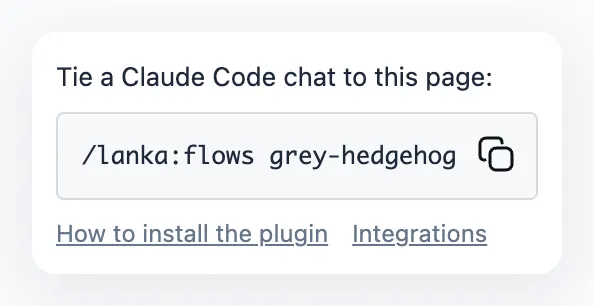
Send this command in the Claude Code chat — it ties the chat to the open "Flows" page:
/lanka:flows session-nameThe “Claude” button on the "Flows" page shows the session name.
Then write in plain words: “add a Contacts button”, “make a booking flow”. The changes appear on the "Flows" page as a draft.