Templates: ready scenarios for a Telegram bot
A template is a set of ready flows for a common task, together with the panels and Mini Apps they need: client booking, a shop, paid access to a channel, a live feed. A wizard asks a few questions and installs the flows into the bot. Once installed, the flows can be changed in the editor like any others.
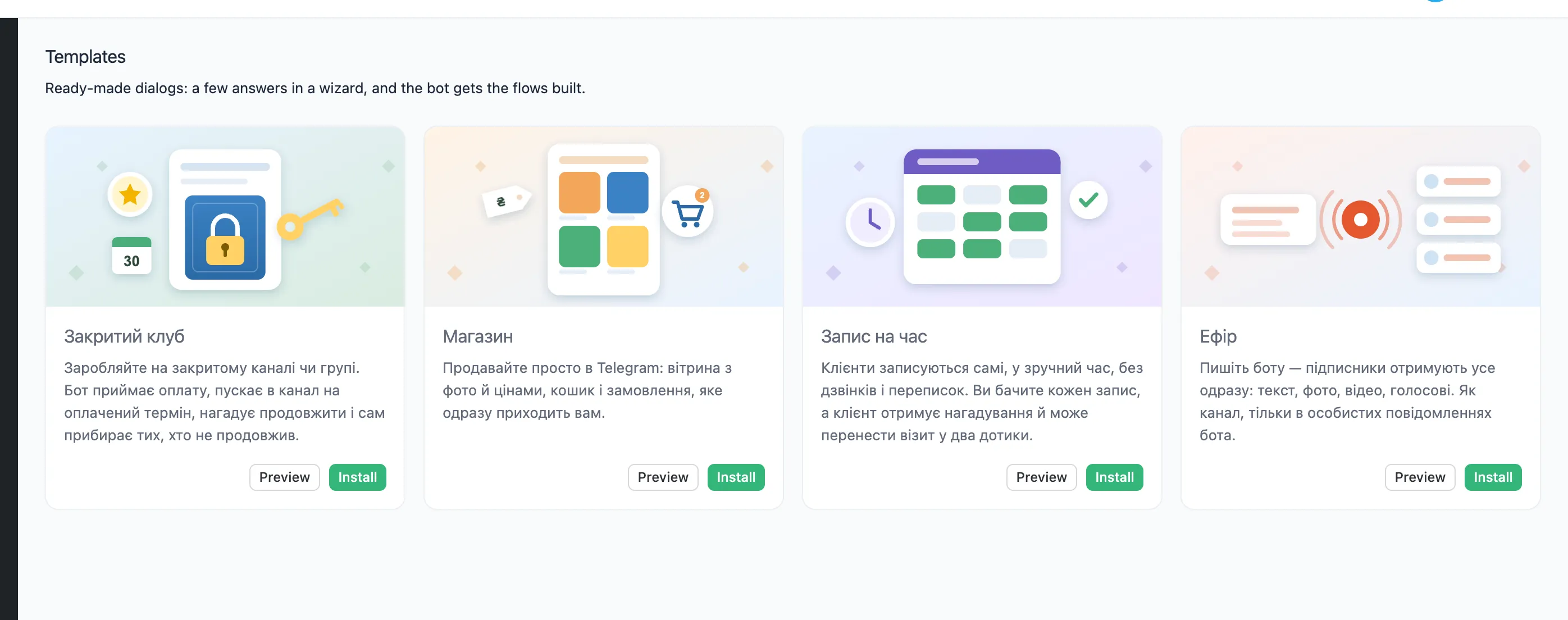
Templates are in Ukrainian for now.
The templates
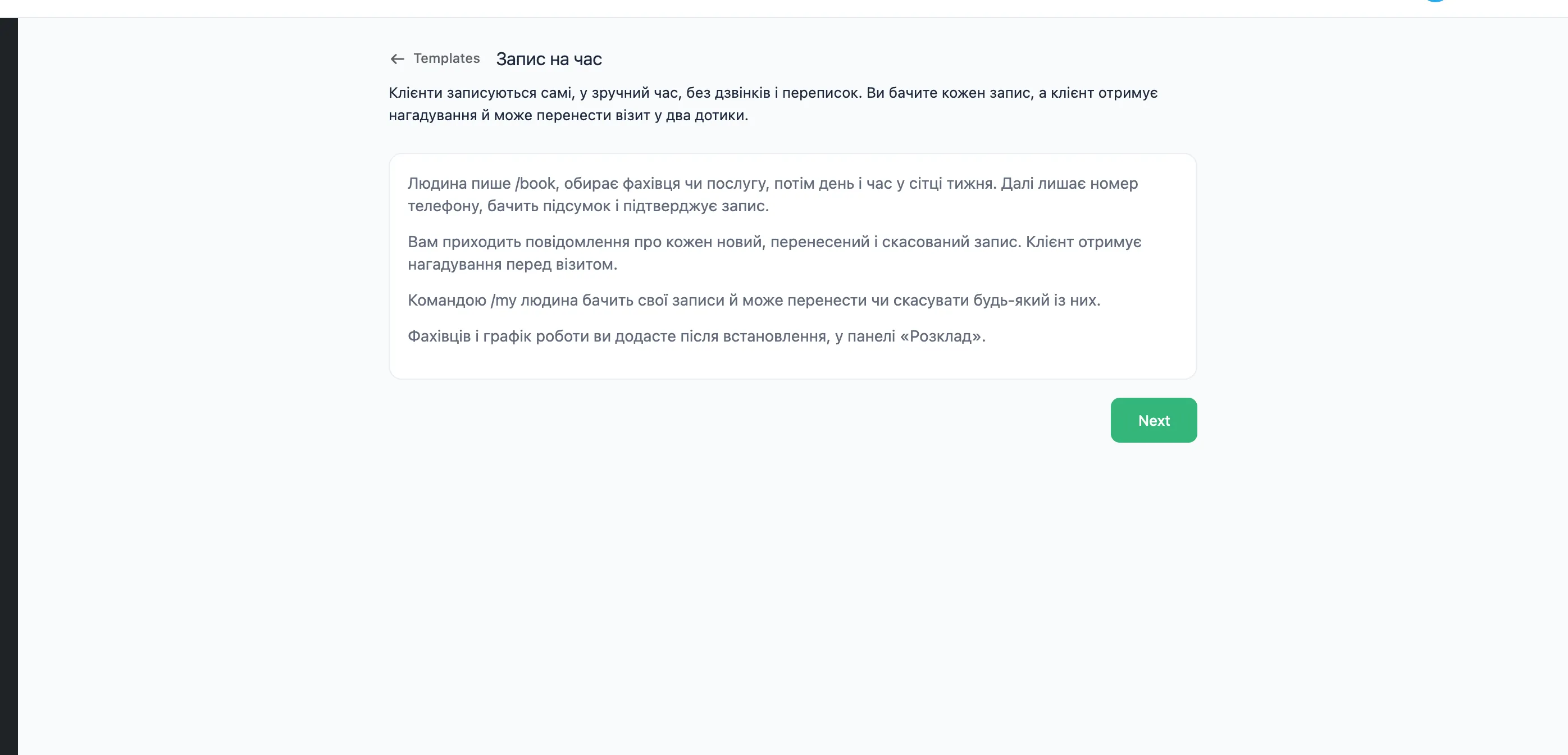
- Booking («Запис на час»). A client picks a specialist, a day and a time, the bot reminds them of the visit, and the client can move or cancel it. The template adds the Schedule panel.
- Shop («Магазин»). A client browses products with photos and prices, fills a cart and places an order. The template adds the Storefront panel.
- Private club («Закритий клуб»). The bot takes payment and lets a person into a channel or group for the paid period. Before the period ends it reminds them to renew, and afterwards it removes them from the channel.
-
Live («Ефір»). The owner sends the bot
/live, and the bot forwards everything the owner sends next to the subscribers as it is, until the owner sends/stop.
Installing a template
- Press "Templates" in the top bar.
- To see a template's flows before installing it, press "Preview".
- Press "Install". The wizard opens.
- In the wizard's steps, set the texts and settings the bot starts with, and press "Next". Some steps can be turned off with a switch. The template then leaves them out. Some steps offer options to choose from, and the template installs the one picked.
- On the "Review and install" step, check the name, the commands and the flows that will be created.
- Press "Install". The editor opens on the template's first flow.
The template's flows are installed published: the bot answers their commands at once.
Review and install
- Name — the name of the template's group in the list of flows.
- Command — the command that starts a flow. You can change it.
- Show in the bot menu adds the command to the bot's menu in Telegram.
Installing a template again
A template can be installed again, for example for a second branch. Give the copy another name. The copy then has its own data, panels and Mini Apps.