Ask a question
The bot asks a question and waits for the person to type the answer. The answer is saved to a variable, and the dialog moves on.
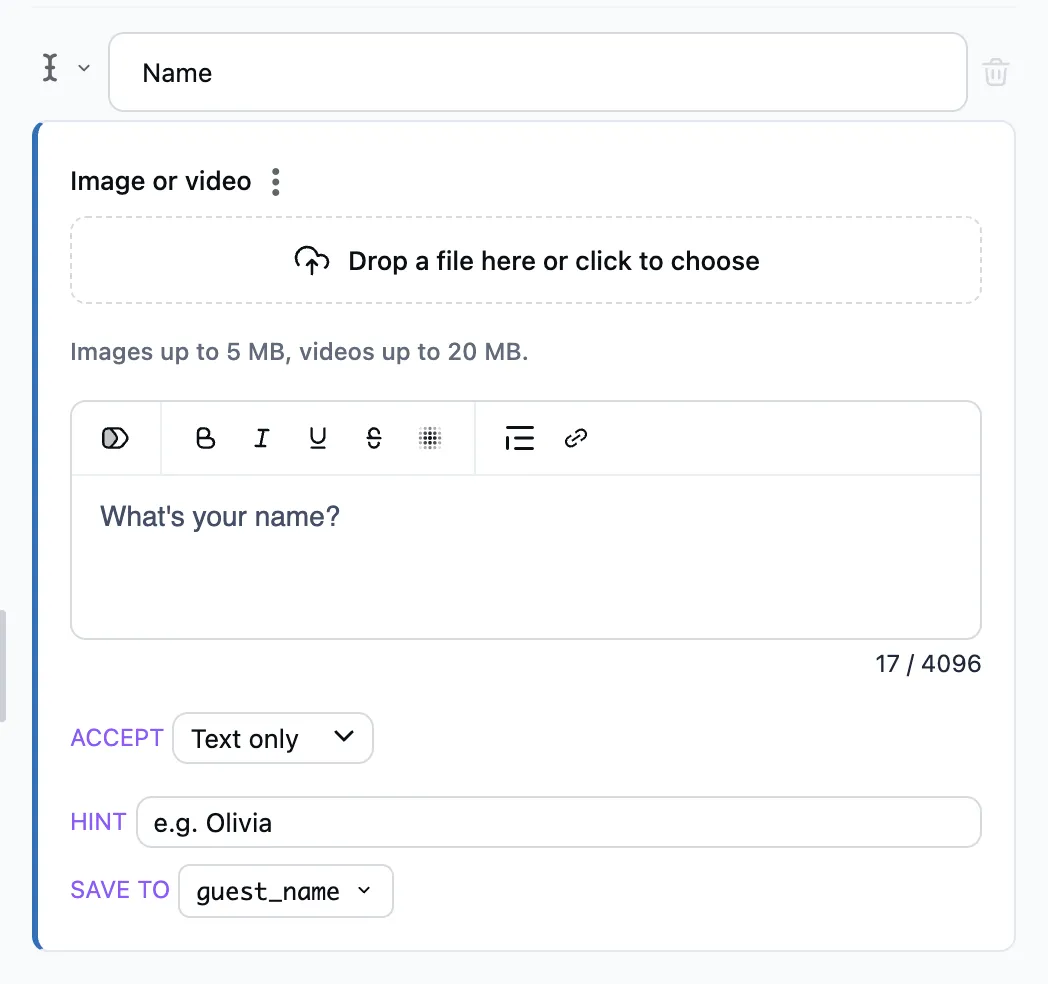
How to set it up
- Write the question in the step's text.
- Accept — text only or any answer. Any answer adds a photo, a video, a voice message, a file, a sticker, a poll, a contact or a location: the variable then gets that, and it can be sent on with Forward a message. To an answer the step does not take, the bot says what it waits for and keeps waiting.
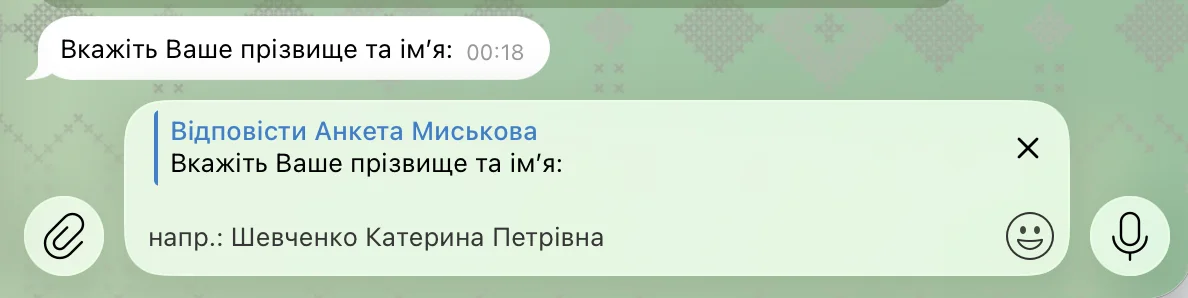
- Hint — grey text in the input field. The input field opens as a reply to the question right away.
- Save to — the variable the answer goes to. It stays with the person for good: next time the bot remembers it.
What the person sees
If the person stays silent
Add the timeout branch ("No reply") under the step and set how long to wait. When the time runs out, the dialog takes that branch — to a reminder, for example.