Album
Several photos in one message (up to 10), like a Telegram album.
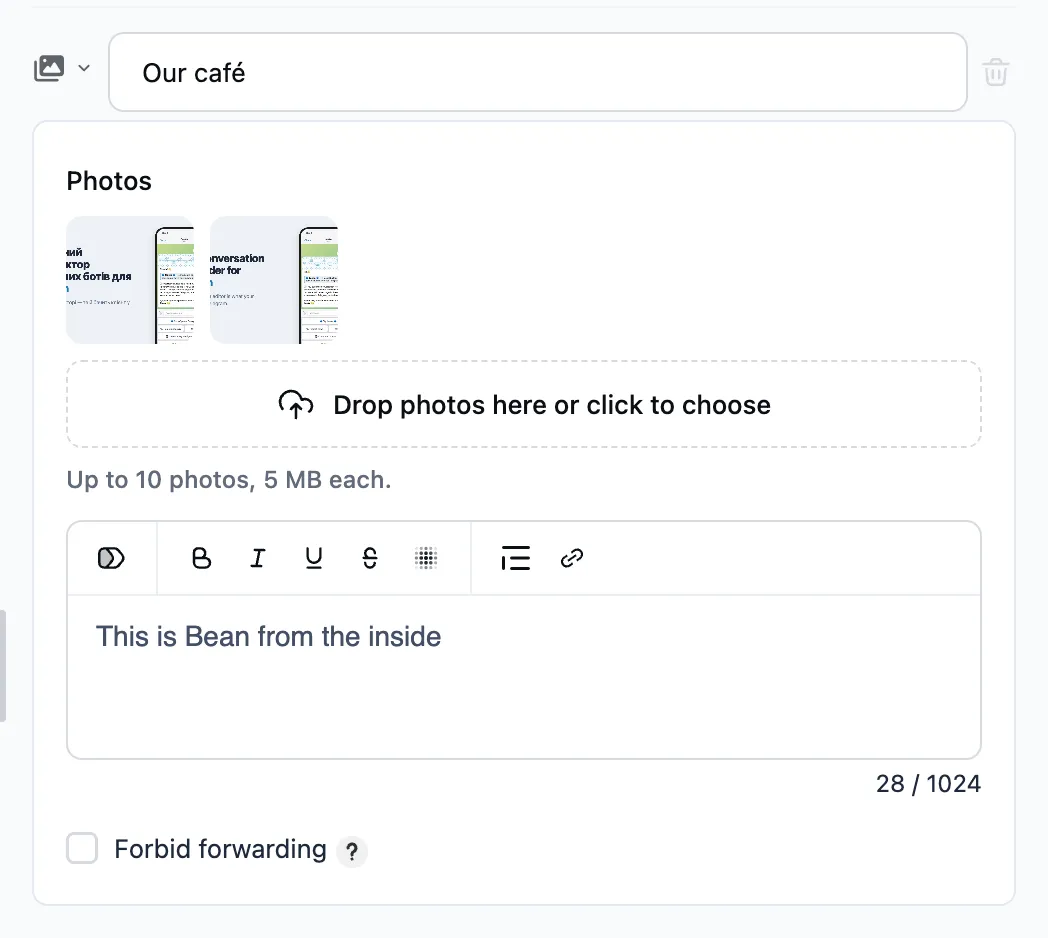
How to set it up
- Upload photos to the step — or give a variable holding a list of photo addresses.
- The text, if any, becomes the caption of the first photo.
A single photo goes as a plain photo — with the caption, if there is text.
When the variable holds no photos, only the text is sent, if there is any. To show something else, add a “No photos” branch under the step — the dialog takes it.
An album carries no buttons — add them in the next message step.
Forbidding forwarding
The "Forbid forwarding" checkbox at the bottom of the step: the person cannot forward the message or save its file.