Audiences
An audience is a saved selection of visitors, for example "those who came more than four times". Broadcasts and the "Announce" step use audiences.
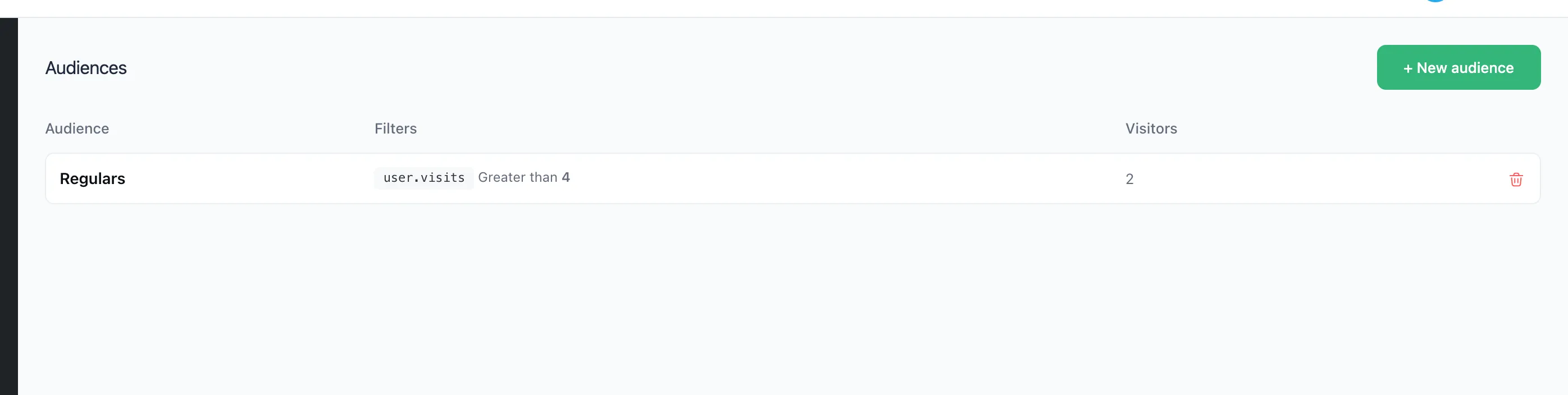
Creating an audience
- Open "Audiences" and press "+ New audience".
- Give it a name, for example "Regulars".
- Press "+ Add filter" and set a variable, a comparison and a value. You can filter by
user.*variables and by data from Telegram: name, language, Premium. - Below the filters you see how many visitors match them right now. Press "Save".
With several filters, a person has to match all of them.
An audience's page
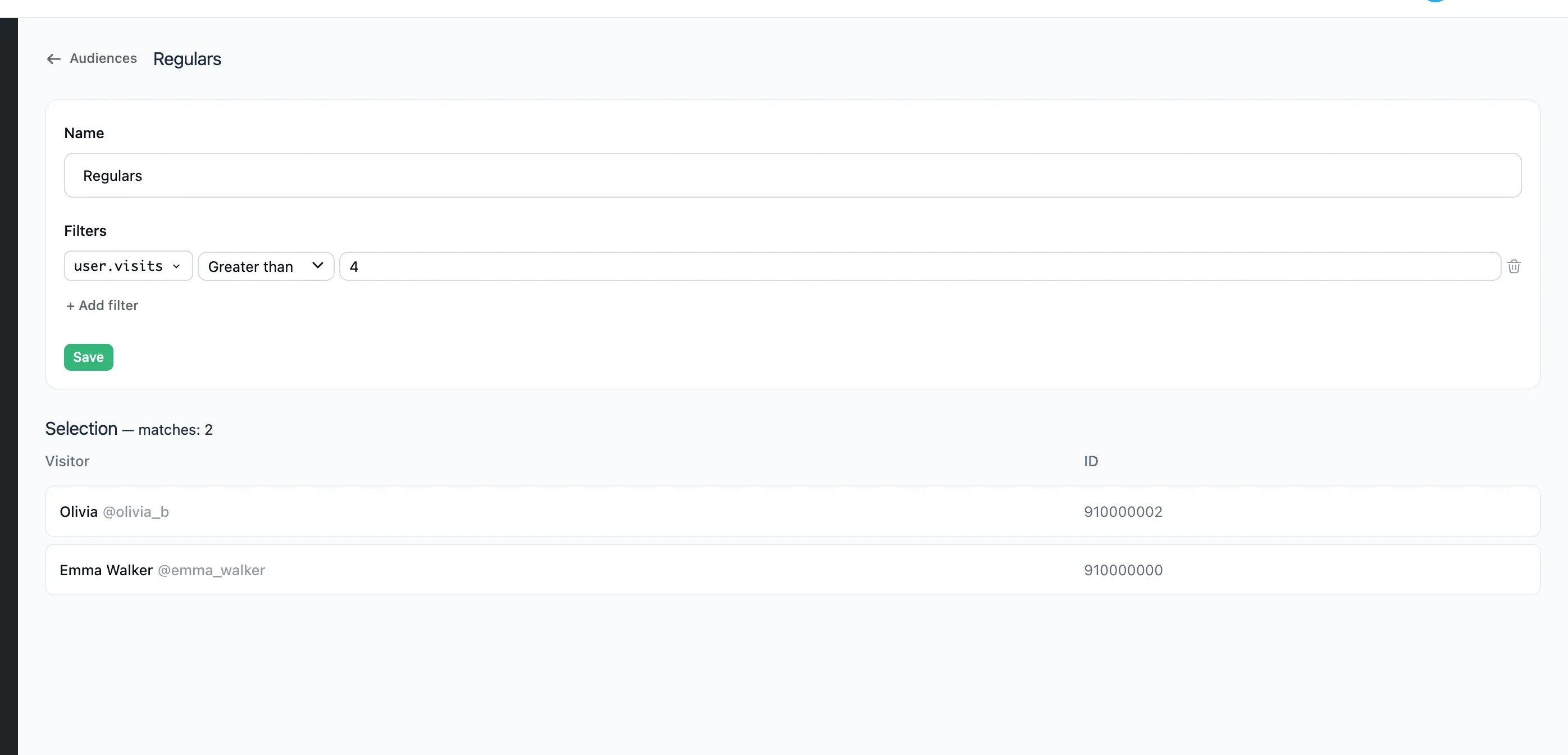
Here you can change the filters and see exactly who matches them right now.
When an audience is counted
The list of people in an audience is not stored. It is counted each time, at the moment of sending. A person who became a regular today gets the very next broadcast for regulars.
Changing the filters affects every broadcast and announcement that uses the audience.