Adding a new bot
1. Create the bot in Telegram
Create the bot with @BotFather and copy its token.
Creating a bot in Telegram
-
Open @BotFather and tap the «Open» button next to its name. The BotFather app opens with the «My bots» list. Tap «Create a New Bot».

-
Fill in the «New bot» form. «Bot Name» is what people see in their chat list; it can be changed later. «About» can be skipped. The username must end in
bot, likemy_shop_bot, and be unique; that is how people find the bot in search. Tap «Create Bot».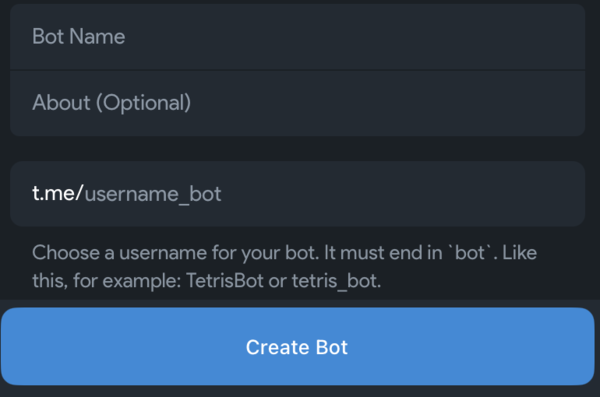
-
The bot's page opens. At the top sits the token, a long string like
123456:ABC-DEF…. Tap «Copy» and paste it into the «Bot token» field.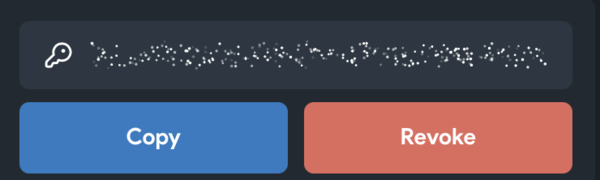
The same steps also work in the chat with the /newbot command.
Once the token is saved, Lanka connects the bot.
2. Connect the bot to Lanka
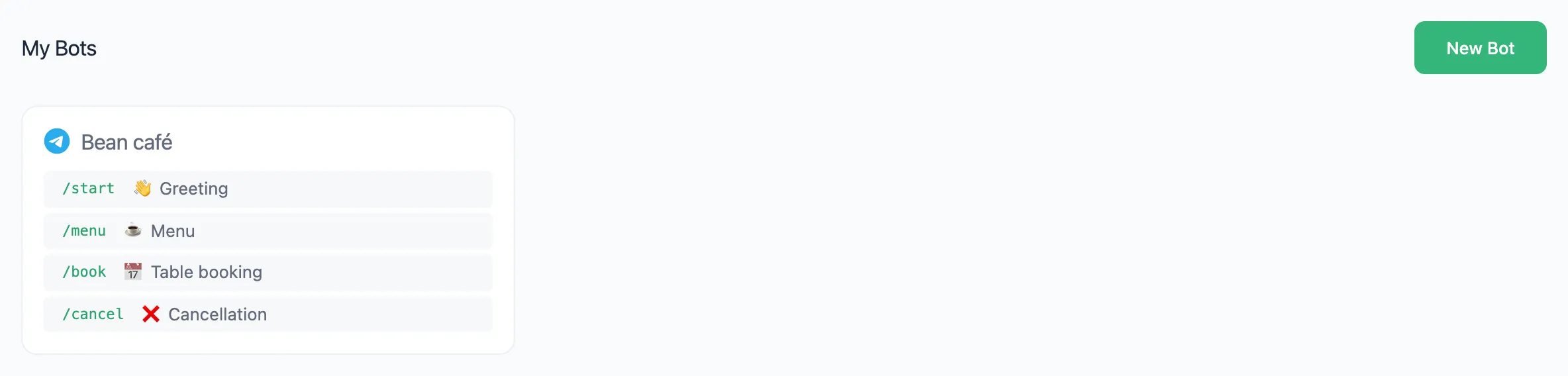
- In "My Bots", press "New Bot".
- Fill in "Bot Name" (only you see it) and paste the token into "Bot Token".
- Press "Create".
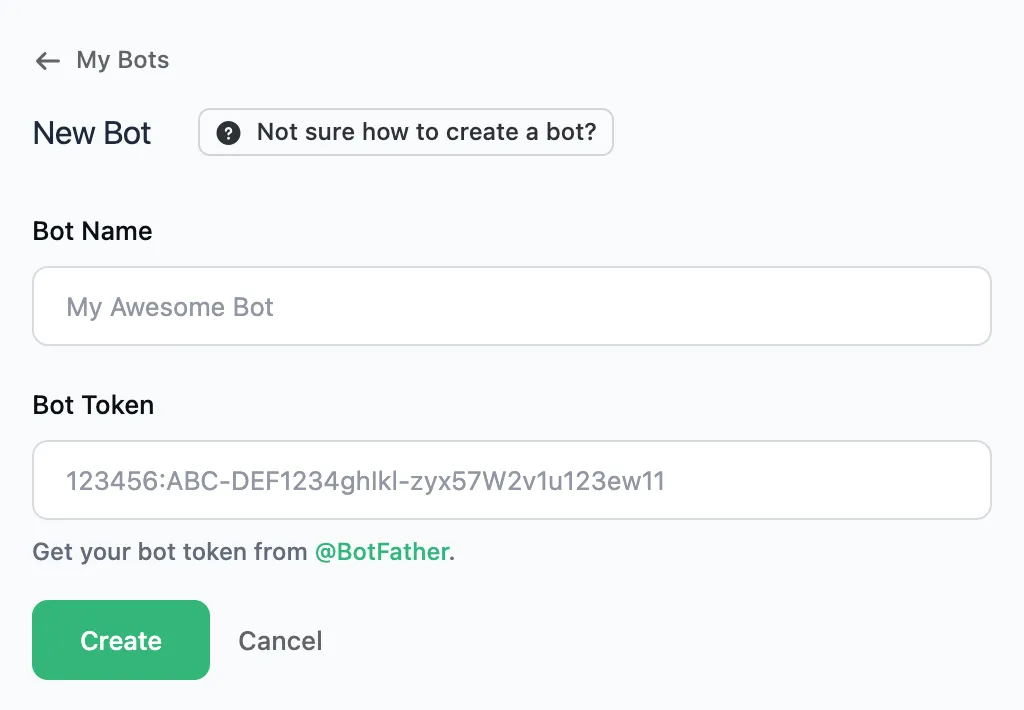
Lanka checks the token and connects the bot.
Bot settings
The name and token can be changed in "Bot settings" → "General". If the bot does not answer even a published flow, press "Re-register webhook" there.