Revoke channel access
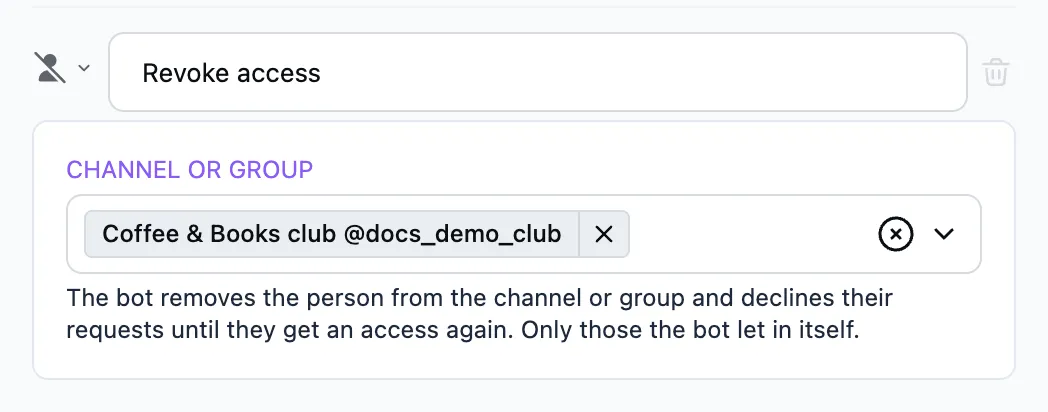
Removes the person from a closed channel or group and takes back the access the Grant channel access step gave them.
When to use it
- The person cancelled the subscription.
- You refunded the payment on the "Payments" tab.
- The person broke the channel's rules.
How it works
- In the "Channel or group" field pick the channel, or several.
- The bot removes the person from the channel at once, without waiting for the term to end.
- The bot declines this person's new requests until they pass the "Grant channel access" step again.
The "Access is ending" and "Access has ended" steps do not run after this. What to tell the person is up to the flow "Revoke channel access" stands in.
Important
The step works only on those who got their access through the bot. A person who got into the channel another way is left alone.
If the bot is not an administrator of the channel or may not ban members, the person stays in the channel and you get a message saying why. The bot declines their requests all the same.