Reminder
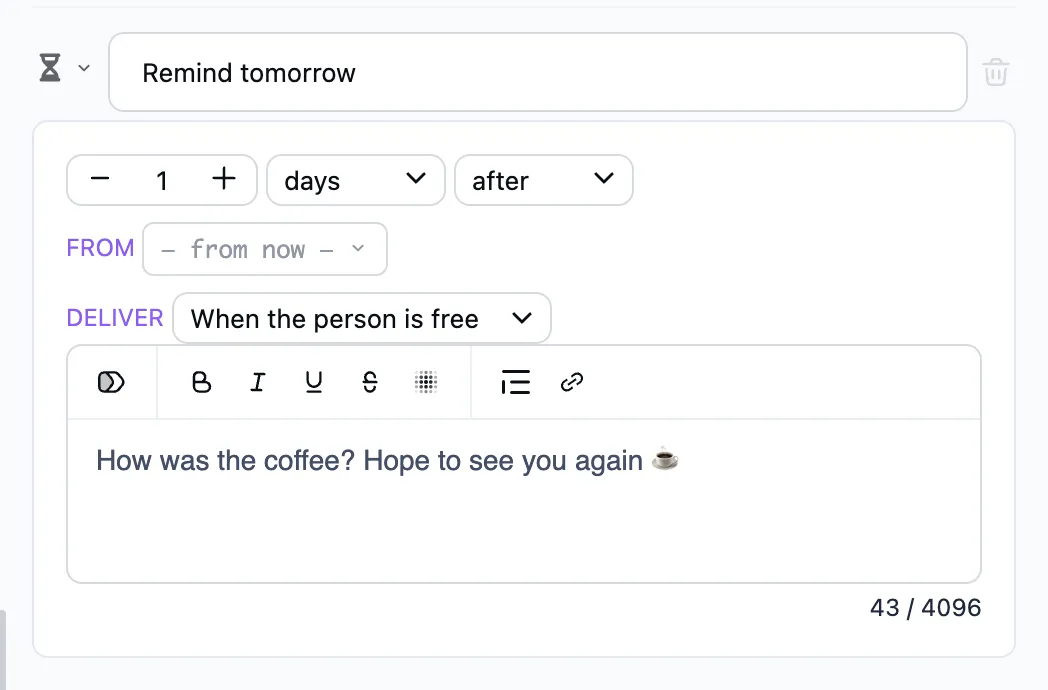
Sends a message later — at a time relative to a date in a variable, or to the current time. The dialog moves on right away.
When to use it
- "A reminder: your appointment is tomorrow at 10:00" — a day before.
- "How do you like your purchase?" — three days after the order.
How to set it up
- Counted from — a variable with a date (the appointment time, say) or the current time.
- How much and when — minutes, hours or days, before or after.
If that moment has already passed, nothing is sent. Nor is anything sent when the date variable changed or became empty before then: a visit moved or cancelled, say. If the person is mid-conversation, it waits for a pause — or arrives at once when marked urgent.