Button visibility condition
A button not everyone sees: it shows up only while a condition holds.
When to use it
- "My orders" — only for those who have ordered something.
- "Admin panel" — only for the owner.
- "Book a spot" — only while there are free spots.
How to set it up
- Add a button and pick "Button visibility condition".
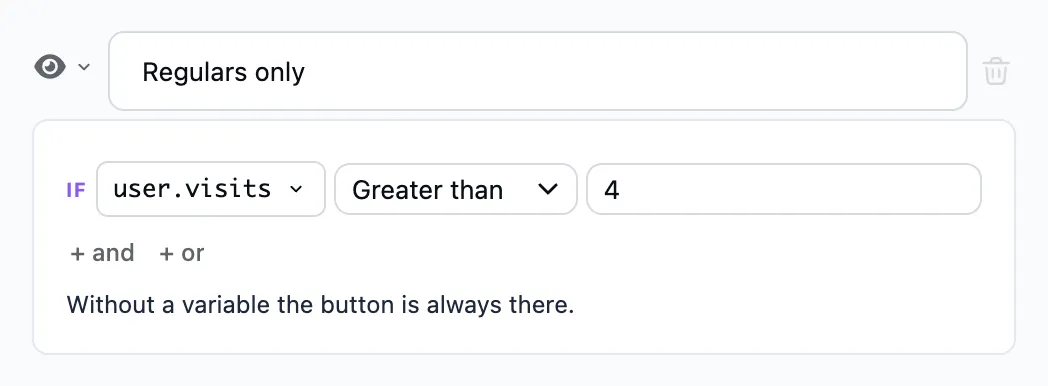
- Set the condition: a variable, a comparison, a value — for example,
orders_countgreater than0. With no condition the button is always shown. "+ and" adds a rule that has to hold together with the others, and "+ or" a separate group of rules. The condition is met when at least one group holds. - Under the condition, add the step the button leads to — a message, a link, another flow. It is an ordinary step, as under any button.
The condition is checked every time the bot sends the message with this button.