Location
The bot sends a place on the map. The person taps the map thumbnail and opens the place in their maps to get directions.
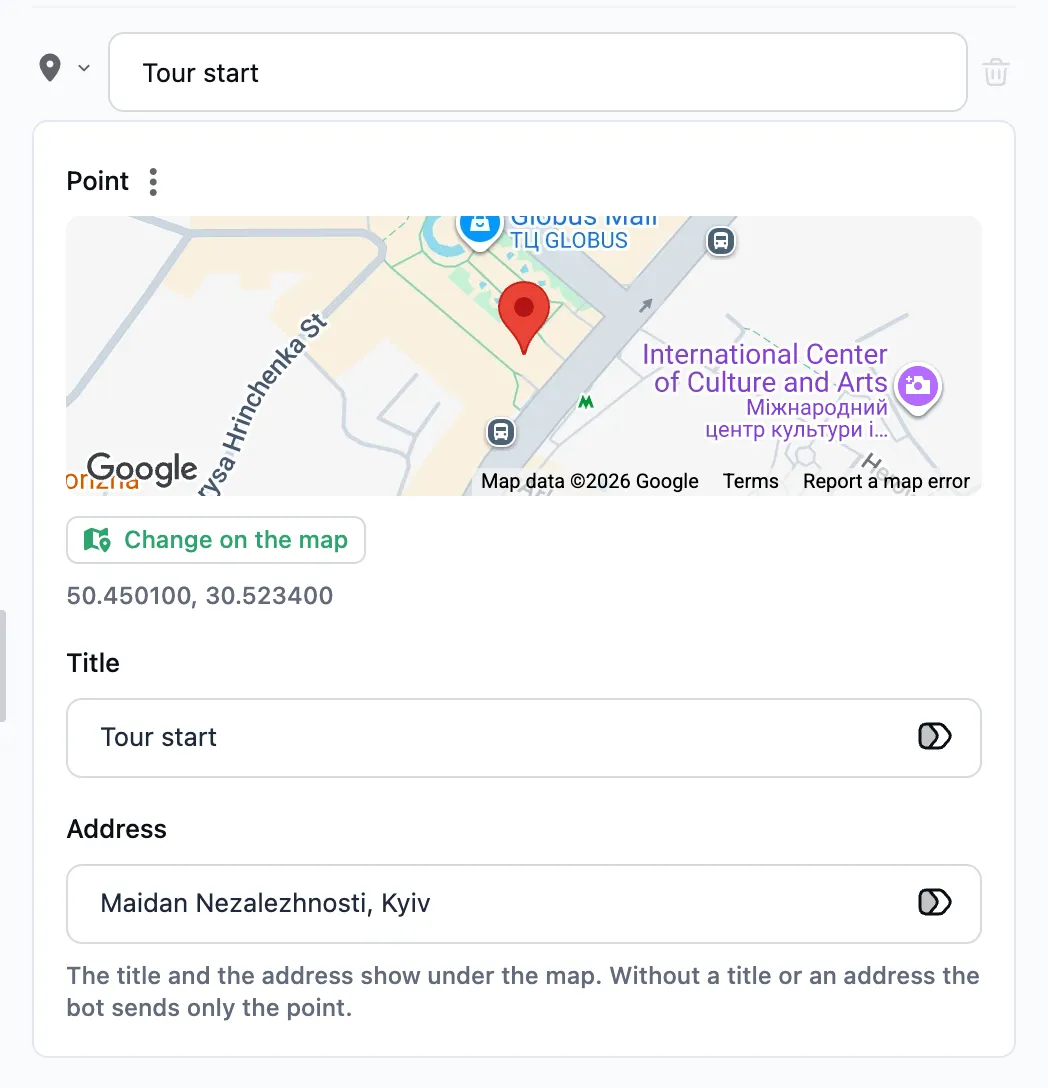
How to set it up
- Find a place in the search field on the map, or just click the map. The pin can be dragged. The found place's title and the address fill themselves in.
- Or in the "⋮" menu next to the "Point" field pick "Point from a variable". The variable can hold the text "50.45, 30.52", the list [50.45, 30.52] or an object with lat and lng (or latitude and longitude). The bot reads it at send time.
- The title and the address show under the map. Without a title or an address the bot sends only the point.
If the variable holds no coordinates, the bot sends nothing and goes on to the next step.
A location carries no buttons — add them with a following message step.