Temporary message
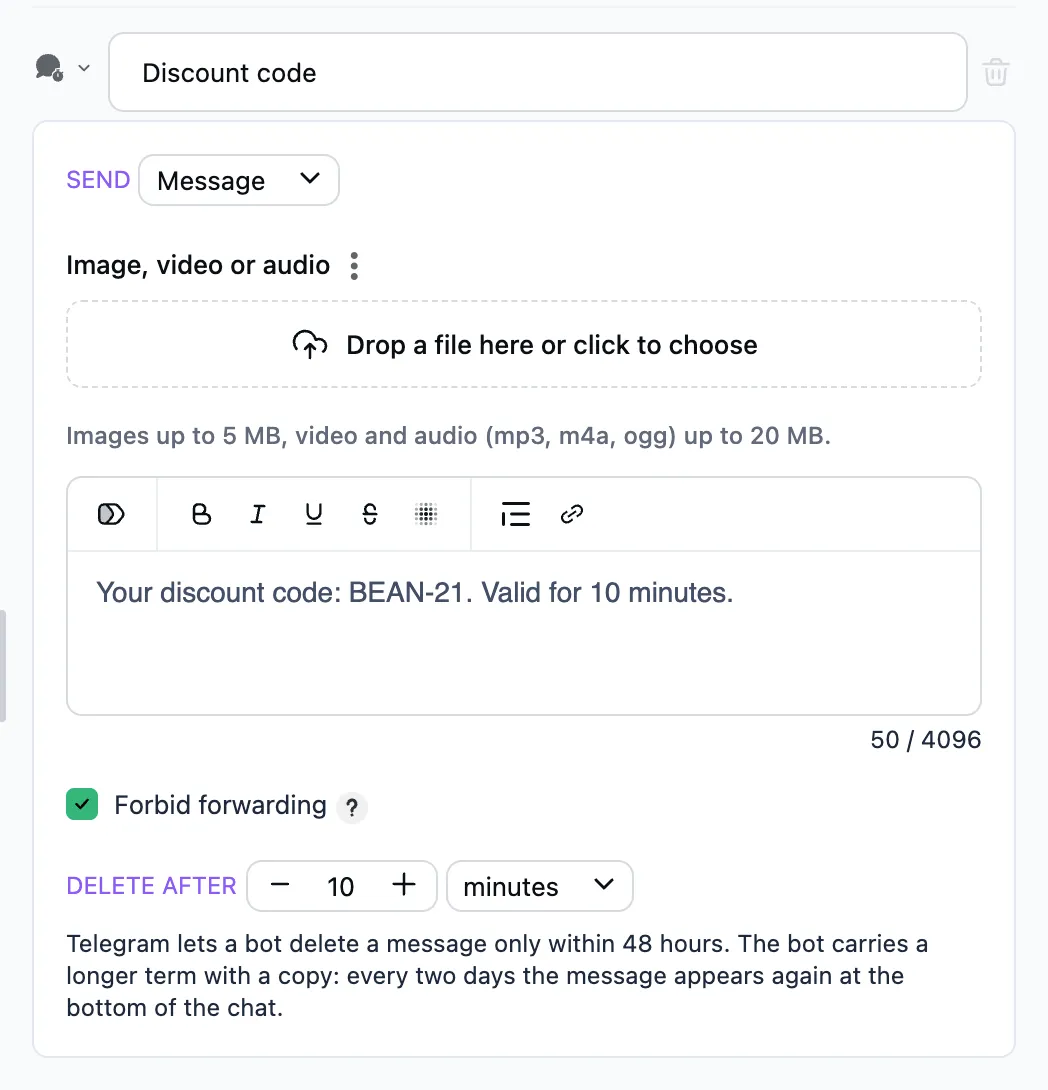
The bot sends a message, an album or a voice message, and deletes it from the chat once the set time is up.
When to use it
Paid or time-limited access: an audio guide for a day, a link to an event, a one-time code.
How to set it up
- Send — what exactly: a message (text with a picture, a video or audio), an album or a voice message. The fields of that kind appear below — the same as in the "Message", "Album" and "Send a voice message" steps.
- Delete after — how many seconds, minutes, hours or days the message stays in the chat.
- Forbid forwarding — on from the start: the person cannot forward the message or save its file.
A temporary message has no buttons — add them with a message step after it.
A long term
Telegram lets a bot delete a message only within 48 hours. So the bot carries a longer term with a copy: every two days the message appears again at the bottom of the chat, and the old one goes.