Forward a message
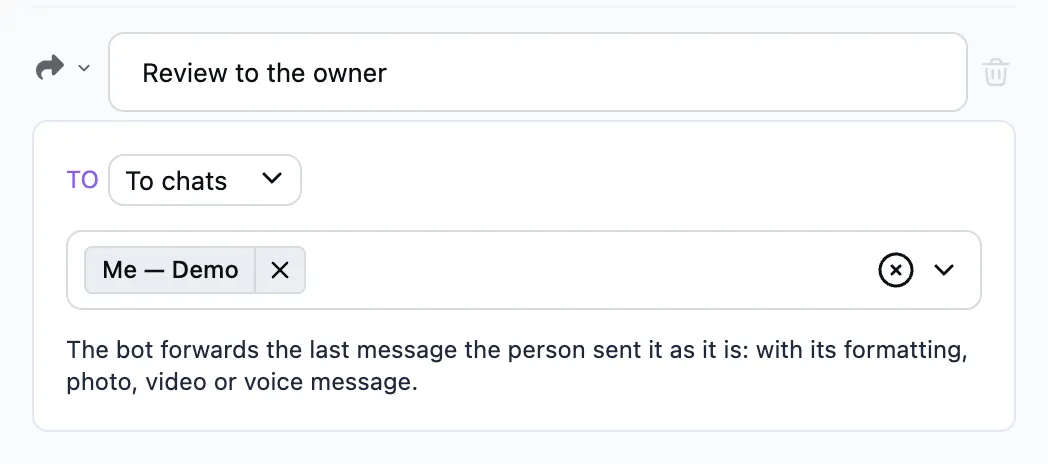
When the dialog reaches this step, the bot forwards the person's last message as it is: with its formatting, caption, photo, video or voice message.
When to use it
- A live feed: the owner writes to the bot, and every message reaches the subscribers at once. The ready-made scenario is the Live template.
- A visitor's review or complaint reaches the owner just as the person wrote it.
- A visitor's post goes to your channel after a check.
How to set it up
- To — the bot's visitors (audiences; empty means everyone) or chats: yourself, your channels, groups or a chat id. Several chats may be picked.
The person's last message to the bot is forwarded. Usually the step comes after Ask a question taking any answer.
Visitors get the message in the background, at once, even in the middle of another conversation. The send shows up under Broadcasts with its stats. The person never gets their own message back. Chats get it at once.